Loading page, please wait...
WhatsApp 24/7:+1 (302) 899-2888
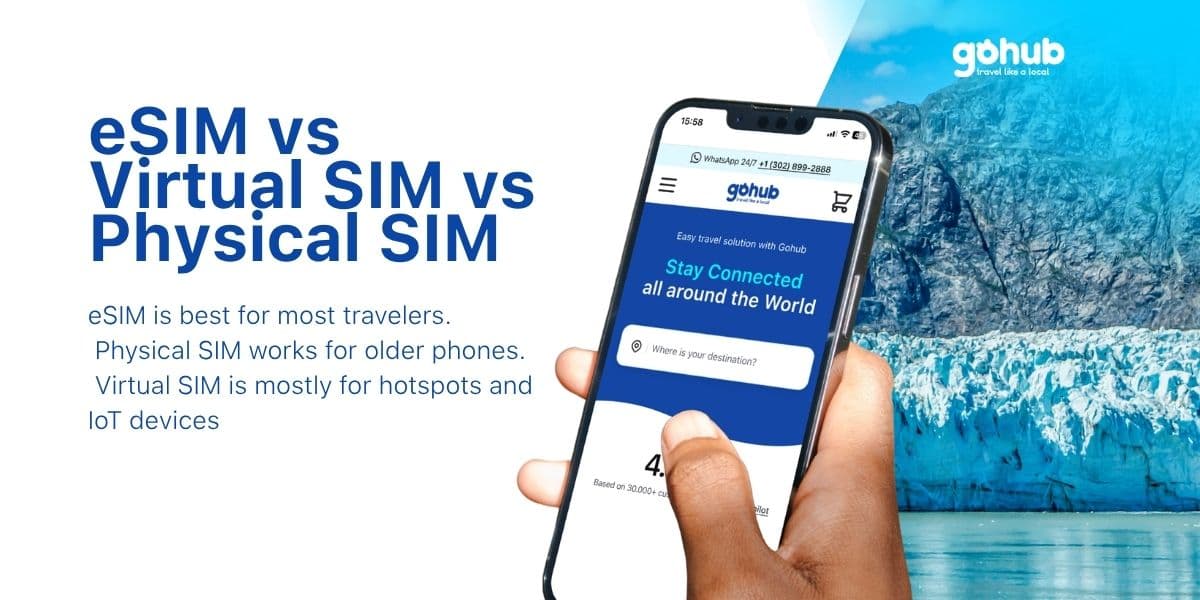
Choosing between a physical SIM, eSIM, and virtual SIM can feel confusing, especially if you are planning an international trip and just want your phone to work when you land.
The simple answer is this:
A physical SIM is the small plastic card you insert into your phone. An eSIM is a digital SIM built into your device that you activate with a QR code or app. A virtual SIM, often called vSIM, is a cloud-based connectivity solution usually found in portable Wi-Fi devices, IoT hardware, or enterprise systems, not most everyday smartphones.
For most travelers using a modern iPhone, Samsung, or Google Pixel, the real choice is usually between physical SIM vs eSIM. And in most travel situations, eSIM is the easier option because you can buy it online, install it before departure, and connect after landing without looking for a SIM shop.
Here is the easiest way to understand the difference.
SIM Type | What It Is | Best For |
|---|---|---|
Physical SIM | A removable plastic SIM card inserted into your phone | Older phones, budget devices, users who prefer a physical card |
eSIM | A built-in digital SIM that can be activated with a QR code or carrier app | Travelers, modern smartphone users, dual-SIM users |
Virtual SIM | A cloud-based SIM profile managed by software or a connected device | Portable Wi-Fi hotspots, IoT devices, enterprise connectivity |
If you are traveling abroad with a modern smartphone, eSIM is usually the most practical choice. You can keep your main SIM active, use mobile data in your destination, and avoid airport SIM queues.
Before buying one, you should still check whether your phone supports eSIM. You can use Gohub’s eSIM device checker to confirm compatibility before your trip.
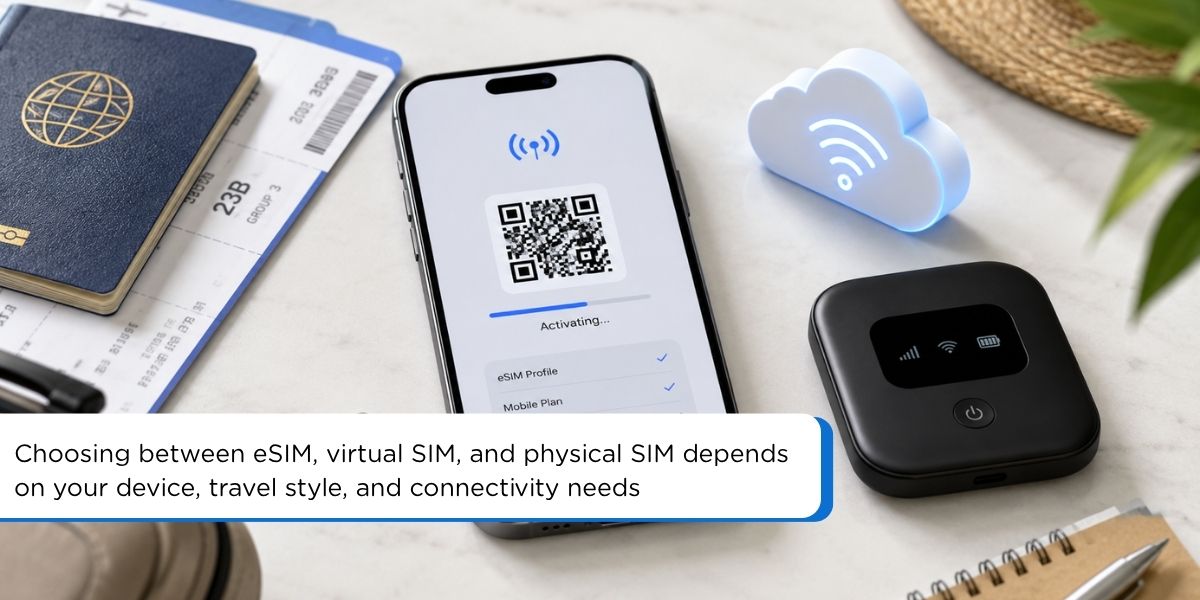
A physical SIM card is the traditional small plastic card that stores your mobile subscriber identity. You insert it into your phone’s SIM tray so your device can connect to a mobile network.
Physical SIM cards are still common because they are simple and widely supported. Many older phones, budget Android devices, and unlocked travel phones still rely on physical SIM cards.
Physical SIMs still have some clear advantages:
Works on many devices: Most unlocked phones support physical SIM cards.
Easy to move between phones: If your phone breaks, you can remove the SIM and insert it into another compatible device.
Familiar setup: Many users still prefer something they can physically hold and control.
For travel, physical SIM cards can be less convenient:
You may need to find a SIM shop or airport kiosk after arrival.
You may need to remove your home SIM.
You can lose access to your main number if your phone only has one SIM slot.
The card can be lost, damaged, or stolen.
Setup may be harder if you face language barriers at your destination.
For short trips, city breaks, or multi-country travel, these small hassles can become annoying fast. That is why many travelers now prefer eSIM when their phone supports it.
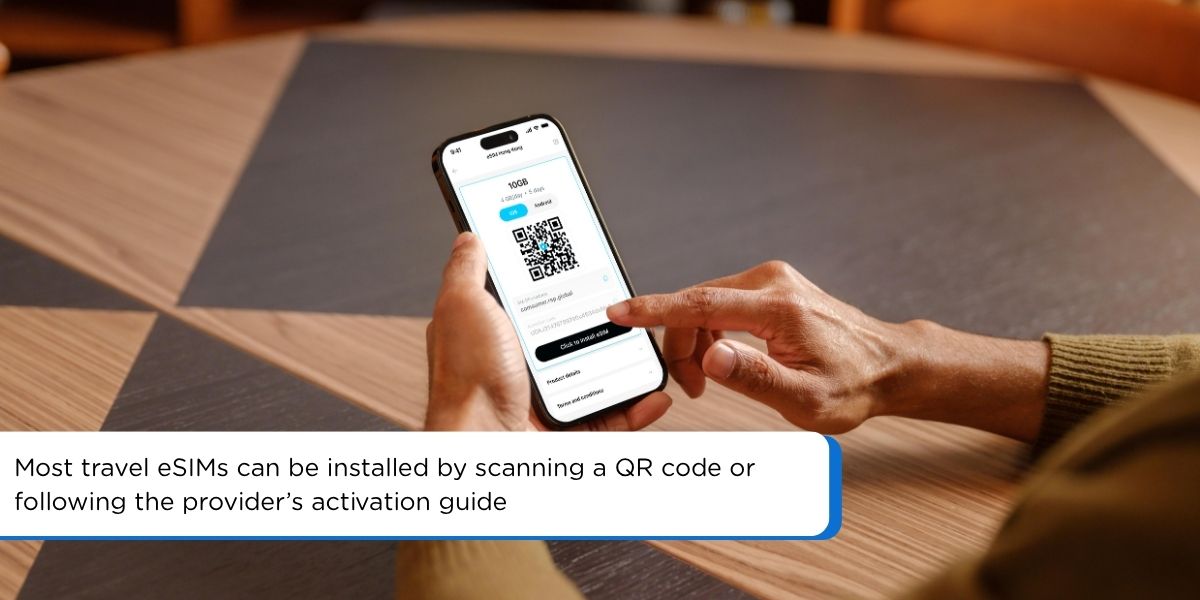
An eSIM, short for embedded SIM, is a digital SIM built into a supported device. Instead of inserting a physical SIM card, you install a mobile plan by scanning a QR code, using an app, or following the activation instructions from your eSIM provider.
Many modern devices now support eSIM, including selected iPhone, Samsung Galaxy, Google Pixel, iPad, and smartwatch models. However, compatibility can vary by device model, region, and carrier lock status, so travelers should always check their device before buying an eSIM.
For travel, eSIM is useful because you can buy and install your plan before departure, then turn it on when you arrive. With Gohub, travelers can follow the eSIM activation guide after purchase to set up their plan correctly and avoid common setup mistakes.
eSIM is popular with travelers because it solves many of the problems that come with physical SIM cards.
You can set it up before departure: No need to find a SIM store after landing.
No physical card needed: You do not need to open your SIM tray or carry tiny cards.
You can keep your main SIM active: This is useful for OTPs, calls, SMS, WhatsApp, Zalo, iMessage, and banking apps.
Better for multi-country trips: You can use a regional eSIM for destinations like Europe or Asia.
More secure than a removable SIM: Since the eSIM cannot be physically removed, it is harder for someone to take it out if your phone is lost.
Less plastic waste: No single-use SIM packaging.
For example, if you are traveling from Singapore to Italy, France, and Switzerland, a regional Europe eSIM can be easier than buying a new local SIM in each country.
You can also browse Gohub’s international travel eSIM plans by destination before your trip.
eSIM is convenient, but it is not perfect.
Not every phone supports eSIM.
Some locked phones may not allow travel eSIM installation.
Moving an eSIM to a new phone may require reinstalling or contacting support.
Some eSIMs are data-only and do not include calls or SMS.
You usually need Wi-Fi or mobile data during the first setup.
This is why you should check two things before buying: your phone must support eSIM, and your phone should be unlocked for international mobile plans.
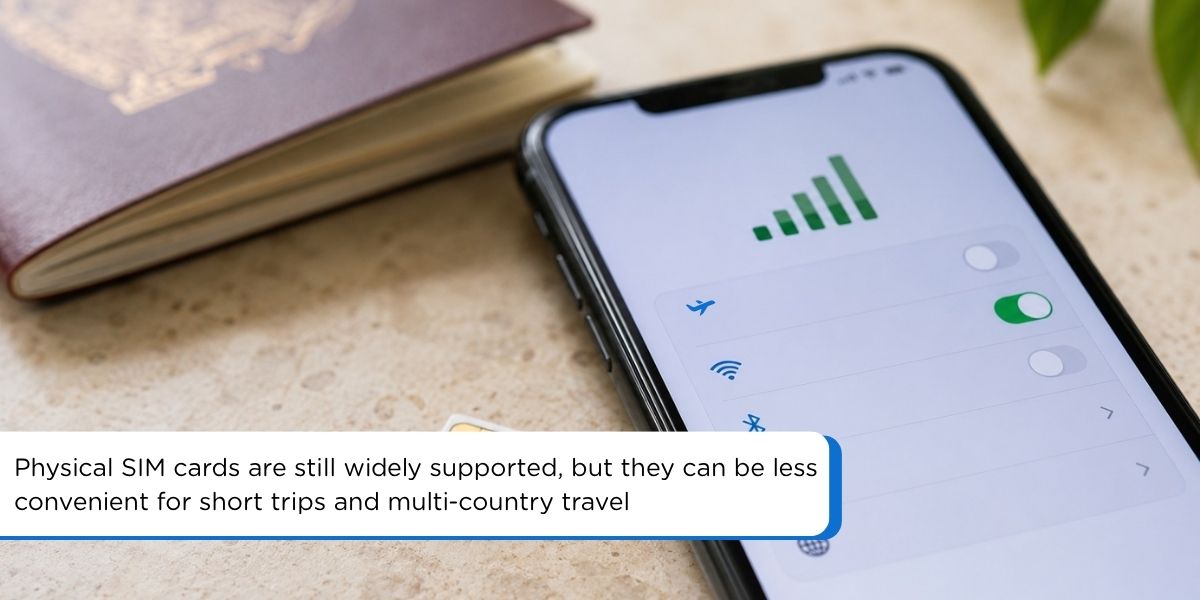
A virtual SIM, often called vSIM, is different from both physical SIM and eSIM.
A vSIM is usually a cloud-based SIM system. Instead of storing the SIM profile on a plastic card or embedded phone chip, the connectivity profile is managed through software, a cloud platform, or a specialized device.
In simple terms, vSIM is not something most travelers install directly on their iPhone or Samsung phone. It is more common in:
Portable Wi-Fi hotspot devices
Travel routers
IoT devices
Fleet tracking devices
Enterprise connectivity systems
Some global Wi-Fi devices use vSIM technology to switch between local networks in different countries. The user just turns on the hotspot and connects their phone to Wi-Fi.
vSIM can be useful in specific cases:
It can support multi-network switching.
It can work well in managed Wi-Fi hotspot devices.
It may be useful for companies managing devices across many countries.
It does not require the end user to manually insert a SIM card.
For everyday travelers, vSIM has clear limits:
It is not widely supported on normal smartphones.
It often depends on a specific device or provider.
It may be less transparent than choosing your own eSIM plan.
You may need to carry a separate hotspot device.
Battery life becomes another issue if you rely on a portable Wi-Fi device.
So, while vSIM is real technology, it is usually not the best answer for a traveler asking, “What SIM should I use on my phone abroad?”
For most people, the choice is much simpler: use a physical SIM if your phone does not support eSIM, and use an eSIM if your phone does.
Here is a cleaner side-by-side comparison.
Feature | Physical SIM | eSIM | Virtual SIM |
|---|---|---|---|
Format | Plastic card | Built-in digital SIM | Cloud-based SIM profile |
Setup | Insert SIM into tray | Scan QR code or use app | Managed by software or device |
Smartphone support | Very common | Common on newer phones | Limited for normal smartphones |
Travel convenience | Medium | High | Depends on device |
Need to visit SIM shop | Often yes | No | Usually no |
Can keep main SIM active | Only with dual SIM phone | Yes, on supported phones | Not directly relevant |
Best use case | Older phones | Modern travel phones | Hotspots, IoT, enterprise |
Risk of losing SIM | Yes | No physical card | No physical card |
Good for multi-country trips | Less convenient | Very convenient | Good if using a hotspot |
For most international travelers, eSIM is the best balance of convenience, flexibility, and ease of setup.
Here is why.
With a physical SIM, you often need to buy the card after landing. That may mean finding a kiosk, comparing plans, showing your passport, waiting in line, or dealing with instructions in another language.
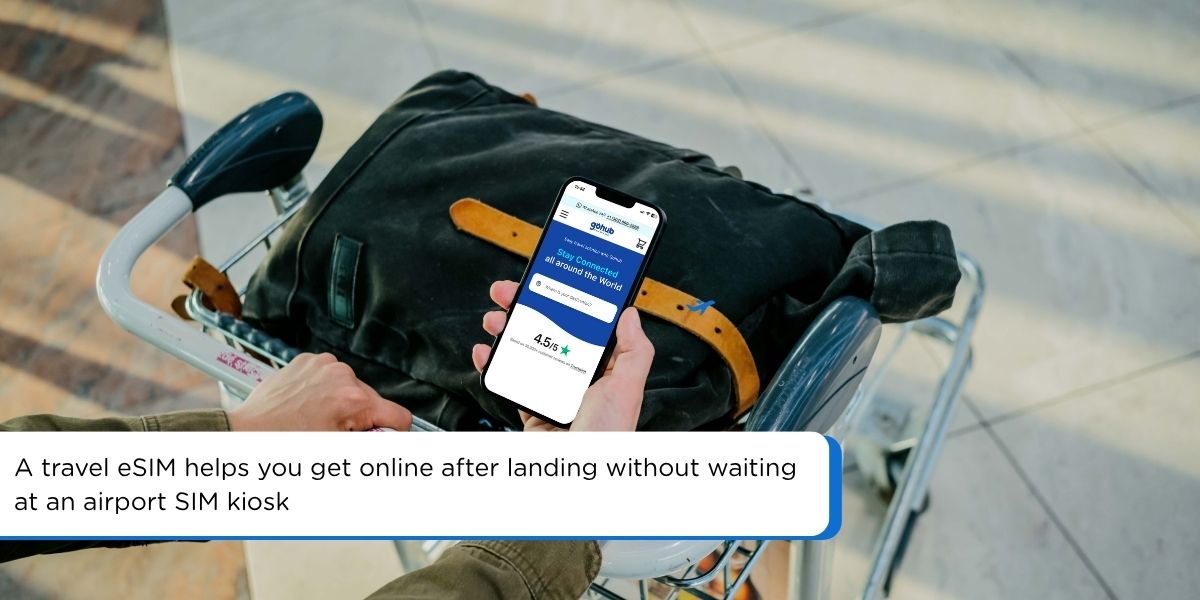
With eSIM, you can prepare everything before departure. Once you arrive, you just turn on the eSIM line and mobile data.
This is especially useful when you need internet immediately for:
Booking a ride from the airport
Opening Google Maps
Messaging your hotel
Checking train or metro apps
Translating signs
Contacting your travel group
This is one of the biggest benefits of eSIM.
If your phone supports dual SIM, you can keep your home SIM active for calls, SMS, or OTPs while using your travel eSIM for mobile data.
That means you can still receive important messages from your bank, airline, delivery app, or family while using local or regional data abroad.
If you are visiting several countries in one trip, eSIM is much easier than buying a new physical SIM every time you cross a border.
For example, if you are traveling through France, Italy, Switzerland, and Germany, you can use a regional Europe eSIM instead of managing multiple SIM cards.
International roaming from your home carrier can be expensive. It may also come with confusing daily charges or limited high-speed data.
A travel eSIM gives you clearer control because you choose the plan before using it. You know the data amount, validity, and destination coverage before you activate.
There is no tiny card to lose. You do not need to open your SIM tray at the airport. You also reduce the chance of misplacing your original SIM while traveling.
For many travelers, this alone is enough reason to switch.
Each SIM type still has a place. Here is the practical breakdown.
Your phone does not support eSIM.
Your phone is locked and cannot install travel eSIMs.
You are using an older or budget device.
You prefer buying a local SIM after arrival.
You need a local plan with full call and SMS features that is easier to buy in-store.
Your phone supports eSIM.
You want to set up data before your trip.
You want to keep your main SIM active.
You are traveling to one or more countries.
You want to avoid airport SIM queues.
You mainly need mobile data for maps, messaging, transport apps, social media, and browsing.
You are using a portable Wi-Fi hotspot.
You manage IoT or business devices.
Your company provides a cloud-managed connectivity device.
You need one device to share internet with several people and do not want to install eSIMs on every phone.
For normal smartphone travel, eSIM is usually the simplest choice.
Both can be safe if used properly, but eSIM has one important advantage: it cannot be physically removed from your phone.
If someone steals a phone with a physical SIM, they may remove the SIM card quickly. With eSIM, that is not possible in the same way. This can help your phone stay connected longer, which may support location tracking if your device settings allow it.
That said, eSIM is not magic protection. You should still:
Use a strong screen lock.
Turn on Find My iPhone or Find My Device.
Avoid sharing QR codes publicly.
Buy eSIMs from trusted providers.
Remove old eSIM profiles you no longer use.
Be careful with public Wi-Fi when handling banking or sensitive accounts.
After installation and activation, eSIM works through mobile networks, just like a physical SIM.
However, you usually need internet during setup to download the eSIM profile. That internet can come from Wi-Fi or your existing mobile data.
That is why it is a good idea to install your eSIM before your trip, while you still have stable Wi-Fi at home, in your hotel, or at the airport.
A simple travel setup looks like this:
Buy your eSIM before departure.
Scan the QR code or install it through the provider’s app.
Keep the eSIM turned off until needed if your plan starts on connection.
After landing, turn on the eSIM line.
Set mobile data to the eSIM.
Turn on data roaming if the provider requires it.
You can also read Gohub’s eSIM installation guide before traveling.
Yes, on many modern smartphones.
For example, you can keep your physical SIM as your main number and use an eSIM for travel data. This setup is ideal because you do not need to remove your home SIM.
A common setup is:
Physical SIM: Your main number for calls, SMS, OTP, WhatsApp, Zalo, iMessage, or banking.
eSIM: Travel data for Google Maps, social media, ride-hailing apps, translation, and browsing.
Just remember to check your phone’s dual SIM settings before departure. Some phones allow one physical SIM plus one eSIM. Some newer models allow dual eSIM. Rules vary by device and region.
eSIM is simple, but many travel issues happen because of setup mistakes.
Avoid these common problems:
Buying an eSIM without checking device compatibility.
Trying to install eSIM on a carrier-locked phone.
Deleting the eSIM profile before the trip ends.
Forgetting to turn on data roaming when required.
Setting mobile data to the wrong SIM line.
Installing the eSIM too late, when you no longer have stable Wi-Fi.
Assuming every eSIM includes calls and SMS.
The safest habit is to install your eSIM before leaving, but only activate or start using it based on the provider’s instructions.
If you are unsure, Gohub support can help you check your setup before or during your trip.
If your phone supports eSIM, choosing a travel eSIM can make your trip much smoother.
With Gohub, you can choose an eSIM by destination, install it before departure, and connect when you arrive. No airport SIM queue. No plastic SIM card. No need to remove your main number.
Gohub is especially useful for travelers who want:
Quick online setup
Destination-based eSIM plans
Support before and during the trip
Flexible data options
24/7 customer support
Clear setup guidance
Travel-friendly connectivity for maps, transport apps, messaging, and bookings
Some destinations may also offer plans with calls or SMS, depending on the product. Always check the plan details before purchasing.
Browse Gohub’s travel eSIM plans and get connected before your next trip.
For most travelers with modern phones, yes. eSIM is easier to set up before a trip, does not require a physical card, and lets you keep your main SIM active. Physical SIM is still useful for older phones or users who prefer buying a local SIM in person.
No. eSIM is built into your phone as an embedded digital SIM. Virtual SIM is usually cloud-based and often used in portable Wi-Fi hotspots, IoT devices, or enterprise systems. Most travelers do not use vSIM directly on their smartphone.
Yes, many modern phones support one physical SIM and one eSIM at the same time. This is useful when you want to keep your home number active and use travel data from an eSIM.
Yes, if your main SIM remains active and your phone supports dual SIM. Many travelers keep their home SIM on for OTPs and use the eSIM for mobile data. Check roaming fees from your home carrier before receiving calls or SMS abroad.
It depends on the plan. Many travel eSIMs are data-only. Some destination-specific eSIMs may include calls, SMS, or a local phone number. Always check the product details before buying.
Yes. If your eSIM provides mobile data, you can use internet-based apps like WhatsApp, Zalo, Messenger, Telegram, Google Maps, Grab, Uber, and iMessage.
Sometimes, yes. Many travel eSIMs require data roaming to be turned on for the eSIM line. This does not mean you are using expensive roaming from your home SIM, as long as mobile data is set to your travel eSIM.
Not always. Some eSIMs can only be installed once. Do not delete your eSIM profile unless your provider tells you to. If you delete it by mistake, contact support.
Check three things: your phone supports eSIM, your phone is unlocked, and the eSIM covers your destination. You should also review data amount, validity, speed policy, hotspot support, and whether calls or SMS are included.
For most smartphone travelers, eSIM is the best choice. Physical SIM is better if your phone does not support eSIM. Virtual SIM is mostly for hotspots, IoT devices, and enterprise use, not normal phone travel.
How to Choose the Best eSIM for International Travel: 2026 Guide
A practical guide to choosing the right travel eSIM based on your destination, device, data needs, and trip length.
eSIM vs Local Physical SIM: Which Is Cheaper for Stays Over 30 Days?
A deeper comparison between travel eSIMs and local physical SIM cards, especially useful for long stays, slow travelers, and digital nomads.
eSIM vs International Roaming Cost: Save $100 to $200 on Your Next Trip
A helpful breakdown of when eSIM is a better choice than international roaming, with a clear cost-saving angle for travelers.
How to Activate eSIM in Japan: Complete Traveler’s Guide
A step-by-step activation guide that can help travelers understand how eSIM setup works on iPhone and Android devices.
How to Stay Connected in Thailand: WiFi vs SIM vs eSIM
A useful follow-up for readers who want to compare Wi-Fi, physical SIM cards, and eSIMs in a real travel situation.
Free eSIM Explained: Is a Free eSIM Trial Really Free?
A beginner-friendly guide for travelers who want to understand free eSIM trials, device compatibility, and common limitations.
How to Get Gohub Free eSIM Trial
A good next step for readers who want to test an eSIM before buying a full travel plan.

Landing at Delhi Airport (DEL)? Compare eSIM and local SIM options, see how airport Wi-Fi verification works, and get online after arrival.

Landing at Adolfo Suarez Madrid-Barajas (MAD)? Compare eSIM, SIM cards, free airport Wi-Fi and roaming, plus how to get online as soon as you arrive

Landing at Frankfurt Airport (FRA)? Compare eSIM, SIM cards, free airport Wi-Fi and roaming, plus how to set up your data and get online on arrival